

Why Free Google Reviews Can Make or Break Your Local Business
Free Google reviews are one of the most powerful — and underused — tools available to small business owners. Before we dive deep, here’s a quick answer if that’s all you need:
How to get free Google reviews fast:
- Generate your free Google review link (search your business on Google Maps, then copy the review URL)
- Create a free QR code from that link and print it at your counter or checkout area
- Add the link to your email signature and post-job SMS messages
- Use a free review widget to display your reviews on your website for added social proof
- Use a free Google review calculator to set a target star rating and track progress
Here’s the reality: 93% of consumers read reviews before buying, and Google reviews are the #1 place they look. For home service businesses — plumbers, HVAC techs, landscapers — showing up in the Google Local Pack can mean the difference between a ringing phone and a silent one.
The good news? You don’t need a big budget to build a strong review profile.
There are free tools that generate direct review links, embed your reviews on your website, analyze your review sentiment with AI, and even automate review requests — all at zero cost.
This guide covers everything: the tools, the tactics, the rules, and the results.
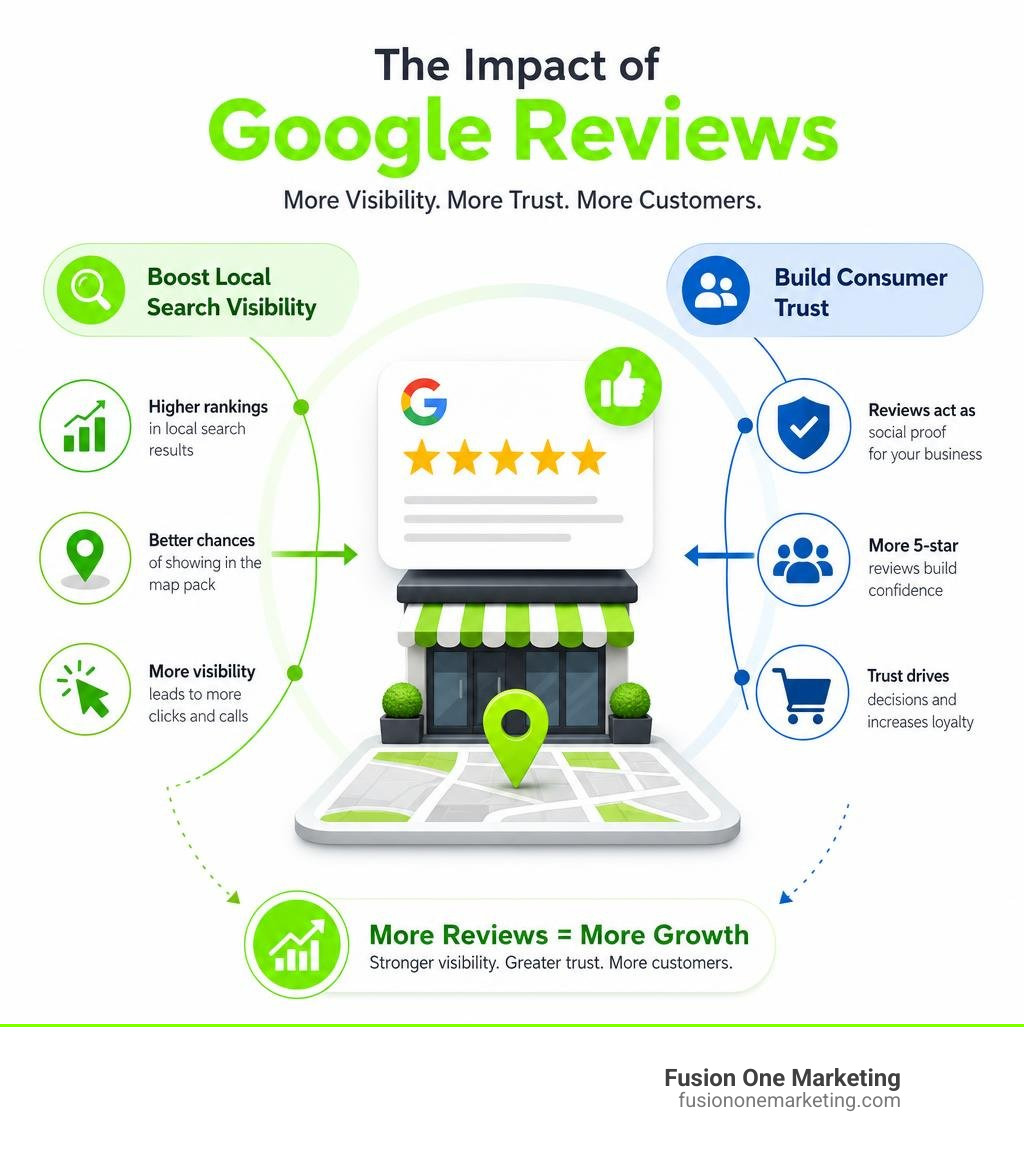
Why Positive Google Reviews Are Your Secret Weapon for Local SEO
In local digital marketing, visibility is everything. When a homeowner in Birmingham, AL, searches for “emergency AC repair” or a family in Huntsville, AL, looks for a reliable landscaping crew, Google doesn’t just show a random list of businesses. It serves up the Google Local Pack—the coveted top three map listings that appear right at the top of the search results page.

How do you get your business into that elite trio? The answer lies heavily in your review profile. In fact, reviews are Google’s #3 ranking factor for local SEO. If you want to dominate Google Maps and local search visibility, you need a consistent stream of high-quality, positive feedback.
But reviews do more than just appease the Google algorithm; they directly influence human behavior. When searchers see a local service provider with a shining rating and hundreds of verified reviews, click-through and conversion rates skyrocket.
To help understand how much of a difference this makes, let’s look at the numbers. The top 15% of review performers see massive, compounding benefits compared to businesses that ignore their online reputation.
Local Search Performance Comparison
| Metric | Top 15% Review Performers | Low-Rated / No Reviews |
|---|---|---|
| Local Pack Visibility | 3.2x higher appearance rate | Baseline |
| Google Maps Appearances | 5.8x more views | Baseline |
| Search Click-Through Rate (CTR) | 35% more clicks | Baseline |
| Website Conversion Rate | 8% average conversion | 2% average conversion |
| Average Review Length | 137+ words (highly detailed) | Under 15 words (generic) |
When you actively collect free google reviews, you aren’t just gathering nice words; you are building a powerful engine for search engine optimization. To understand the foundational reasons why these stars carry so much weight, check out our deep dive on Why Reviews Matter.
Furthermore, having a steady flow of feedback signals to Google that your business is active, reliable, and trustworthy. For a comprehensive look at how these ratings move the needle on search engine results pages, read our guide on Do Google Reviews Impact Your SEO.
How to Get Free Google Reviews on Autopilot
Manually asking every single customer for a review can feel exhausting, awkward, and easy to forget when you are busy running a business. If you want to scale your business in Helena, AL, or across the greater Birmingham metro, you need to put your review generation on autopilot.

The key to getting more reviews is reducing friction for your customers and maintaining a healthy “review velocity”—the speed and consistency with which new reviews are posted. Google’s algorithm values fresh, recent reviews far more than a massive block of old feedback from years ago.
By utilizing automated requests, you can prompt your clients for feedback right when they are happiest with your service. For practical advice on the best ways to ask your clients, read our Top Tips for Requesting Google Reviews from Your Customers and discover the exact steps to build a steady flow of high ratings in our guide on How to Get More 5-Star Reviews Online.
Generating Your Free Google Reviews Link and QR Code
To make the review process as easy as possible, you must eliminate any steps that require the customer to search for your business. Instead, give them a direct, canonical URL that opens the review window automatically.
Every business verified on Google has a unique, permanent identifier known as a Place ID. You can easily find yours and set up your business listing by visiting Get Listed on Google. Once your profile is active on Google Maps, you can use a tool like the Google Review Link Generator + QR Code Kit (Free) | Klinically to create a direct link.
This tool generates a canonical review URL using Google’s internal Place ID format, ensuring the link never breaks—even if you change your business name or phone number.
Once you have this link, you can easily generate a high-resolution QR code. Print this QR code on:
- Countertop signs at your checkout desk
- Branded flyers left behind after a home service visit
- The back of your business cards
- Invoices and receipts
Setting Up Automated Review Requests and Multipliers
Once you have your direct link, it is time to build it into your daily business workflows. You can start by adding a clear call-to-action (CTA) in your email signatures. A simple “How did we do? Leave us a Google review!” linked directly to your canonical URL works wonders.
Another highly effective strategy is sending post-job SMS follow-ups. Text messages have an incredibly high open rate, and sending a friendly text with your direct review link immediately after completing an HVAC repair or a plumbing job makes it incredibly easy for the customer to share their experience.
Using automated “review multipliers”—tools that send polite, automated reminders to customers who forgot to leave a review the first time—can increase your review response rate by up to 64%. By automating this sequence, you ensure no happy customer slips through the cracks.
Legal, Ethical, and Algorithmic Rules for Review Generation
While accumulating reviews is crucial, you must stay strictly within the legal and ethical boundaries set by Google and federal regulators.
First and foremost, never purchase fake reviews. Not only does this violate Google’s Terms of Service, but it can also land your business in hot water with the FTC, resulting in heavy fines.
Additionally, avoid the practice of “review gating.” This is the act of pre-screening customers with a private survey and only sending the Google review link to those who indicate they had a positive experience, while routing unhappy customers to a private feedback form. Google’s guidelines strictly prohibit review gating. If Google’s algorithm detects this pattern, you risk having your entire review history wiped out.
Sometimes, legitimate reviews can be mistakenly flagged and removed. If you find yourself dealing with this issue, you can learn more about how Google handles these disputes by reading the discussions on Negative true and accurate reviews removed – Google Help.
The Best Free Google Reviews Widgets for Your Website
Once you start collecting those glowing 5-star ratings, you want to show them off! Displaying real, verified customer feedback directly on your website is one of the most effective ways to establish instant social proof and build trust with new visitors.
When a homeowner visits your site looking for local services, seeing real-time reviews from their neighbors in Birmingham or Huntsville can increase your conversion rates by up to 270%. To maximize this impact, you need a robust system in place. Learn more about why this matters in our guide to Online Reputation Management.
To get started without spending a dime, you can use excellent free tools like Display Google Reviews on Your Website – RaveCapture or the Free Google Reviews Widget — Forever Free, No Credit Card | SociableKIT to showcase your customer feedback beautifully.
How to Embed Free Google Reviews Without Coding
You don’t need to be a professional web developer or know how to write complex code to display your reviews. Most modern review widgets provide a simple, no-code HTML embed snippet. You simply copy the generated code and paste it into a custom HTML block on your website builder—whether you use WordPress, Wix, Squarespace, or Shopify.
If your website runs on WordPress, you can use the Google Business Reviews Plugin for WordPress — Free, ToS Compliant. This plugin is incredibly useful because it caches your reviews in a local database and automatically syncs them using a daily cron job.
Crucially, it is built to comply with Google Places API Terms of Service, which dictate that cached review data must not be stored for more than 30 days. The plugin automatically purges stale data and pulls fresh reviews, keeping your site compliant while ensuring your page load speeds remain lightning-fast.
Key Features to Look For in a Free Review Widget
When selecting a free review widget, look for these essential features to ensure it supports your business goals:
- Customization: The widget should allow you to adjust colors, fonts, and layouts (such as grids, carousels, or lists) to perfectly match your company’s visual branding.
- SEO Optimization & Schema Markup: A high-quality widget will automatically inject JSON-LD structured data into your website. This helps search engines read and index your reviews, which can lead to star ratings appearing directly next to your organic search results.
- Unlimited Page Views: Some free tiers throttle your widget if your website receives a lot of traffic. Opt for widgets that offer unlimited page views on their free plans.
- Mobile Responsiveness: Since more than half of all web traffic comes from mobile devices, your reviews must look clean, legible, and load quickly on smartphones and tablets.
Frequently Asked Questions About Free Google Reviews
How do I connect my Google Business Profile to a website widget?
To connect your Google Business Profile to a website widget, you typically do not need a complex API key. Most modern widgets allow you to simply search for your business by name and suburb or enter your unique Google Place ID.
Once the widget identifies your business, it connects directly through Google’s public API to fetch your latest reviews automatically. If you are using a advanced custom plugin, you may need to generate a free Google Cloud API key with the Places API enabled to establish a secure connection.
Can I filter my widget to only show positive 4- and 5-star reviews?
Yes! Most high-quality free widgets include review moderation filters. In the widget settings, you can check a box to only display reviews that meet a minimum star rating (such as 4 or 5 stars).
Additionally, some widgets allow you to set up keyword exclusions, enabling you to hide reviews containing specific words or phrases that might not be relevant to your core services, helping you protect your online reputation while showcasing your best work.
How does a Google review calculator help my business?
A Google review calculator is a fantastic planning tool that reverses Google’s weighted average formula. Instead of guessing, you can input your current star rating, your total number of reviews, and your target rating (for example, moving from a 4.2 to a 4.7).
The calculator will tell you exactly how many consecutive 5-star reviews you need to achieve that goal. This helps you set clear, mathematical milestones for your team and structure your customer outreach campaigns effectively.
Conclusion
Building a stellar online reputation doesn’t have to cost a fortune. By leveraging direct links, print-ready QR codes, automated follow-ups, and beautiful website widgets, you can successfully collect and showcase free google reviews that make your competitors green with envy.
At Fusion One Marketing, we know that reviews are just one piece of the puzzle. Our comprehensive “Digital Domination” program is designed to handle your SEO, custom website builds, social media, and paid advertising to drive real, measurable growth for your business. Whether you are based in Birmingham, Huntsville, or Helena, AL, we are here to help you own your local market.
Ready to take your business reputation to the next level? Explore Fusion One Marketing’s Guide to Getting More Company Reviews and contact us today to start dominating your local search landscape!