

Can You Leave an Anonymous Google Review in 2026?
The short answer is both yes and no. True, unlinked anonymity no longer exists on Google. In the past, Google allowed users to leave reviews without signing into an account. However, since a major policy shift in 2018, Google has mandated that every single review must be tied to an active, verified Google Account.
With rolling updates through November 2025 and into 2026, Google introduced enhanced custom display nicknames and custom avatar features specifically for Google Maps contributions. This allows you to set a public profile alias—such as “Local Reviewer” or a custom handle—that masks your legal name from the general public and the business owner.
When you leave feedback this way, the public sees your chosen pseudonym and neutral picture. However, Google internally tracks your account ID, IP address, and device metadata to prevent review spam. To learn more about setting up these privacy boundaries, read this detailed How to Leave a Google Review Without Your Name [Privacy Guide].
Why You Cannot Write a Google Review Without Signing In
You cannot write a Google review without signing in because Google uses account authentication as its primary defense against web spam, review bombing, and fraudulent activity. Without a signed-in account, bad actors could easily deploy automated scripts to flood a local business with hundreds of fake 1-star or 5-star ratings in minutes.
By requiring account verification, Google’s automated algorithms continuously analyze account age, activity patterns, and location signals. If a brand-new account posts a review from a completely different region without any prior browsing history, Google’s system flags it for closer inspection.
What “A Google User” Means on Google Maps
When browsing Google Maps, you will frequently see older reviews attributed to “A Google User” rather than an individual’s name. This display label causes a lot of confusion, but it does not mean those users posted anonymously under current rules.
A review displays as “A Google User” for one of two reasons:
- Legacy Reviews: The review was posted prior to 2018, back when Google permitted guest contributions without requiring a logged-in account.
- Deleted Accounts: The reviewer originally posted using a standard Google Account but subsequently deleted or deactivated that account. When an account is removed, Google preserves the public review text to maintain star rating accuracy but strips out the profile name, replacing it with the default handle “A Google User.”
How to Leave an Anonymous Google Review on Desktop and Mobile
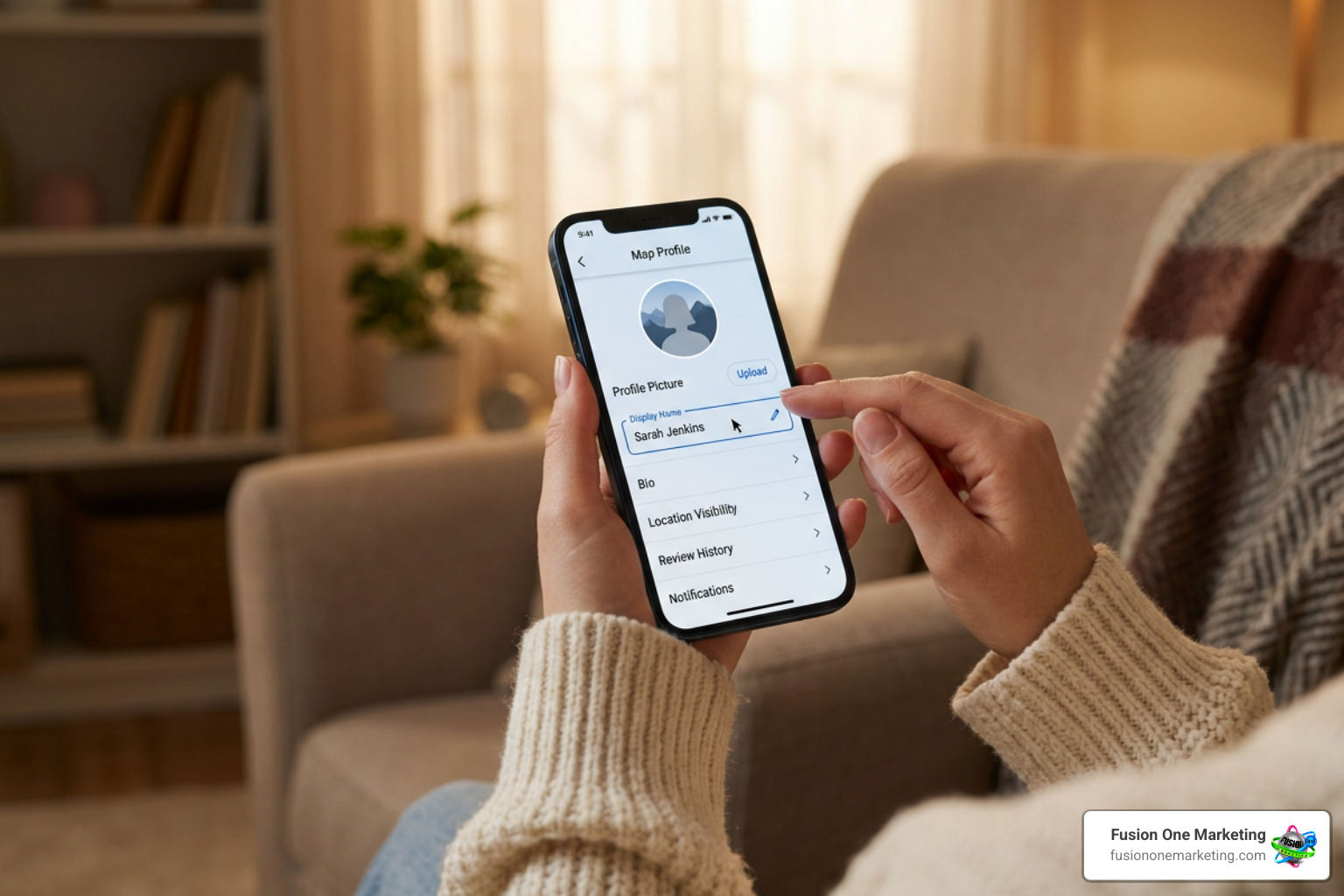
Setting up a pseudonymous profile is straightforward on both desktop computers and mobile devices. Rather than editing your global Google Account name—which changes your display name across Gmail, Google Docs, and YouTube—you can customize your specific Google Maps contribution alias.
Steps to Change Your Google Display Name for Reviews
If you want to protect your personal identity before posting feedback for a local home service contractor, clinic, or service provider, follow these core steps:
- Access Account Settings: Open your Google Account management dashboard or open Google Maps.
- Navigate to Personal Info: Go to the Personal info tab under your account management controls.
- Set a Display Nickname: Under the Basic Info section, enter your preferred public display handle or initials (for example, “J. S.” or “City Explorer”).
- Choose a Neutral Avatar: Select a standard, non-identifying illustration from Google’s default avatar library instead of using a personal headshot or family photo.
How to Post Anonymously on Desktop
Posting a review from a desktop browser using a custom handle requires just a few clicks:
- Open your web browser, navigate to Google Maps, and ensure you are signed in.
- Click on your profile icon in the top right corner and select Your profile or Your contributions.
- Choose Edit profile and toggle on the option to Use a custom display name & picture for posting.
- Type in your desired pseudonym, select a neutral avatar, and click Save.
- Search for the target business profile, click Write a review, select your star rating, draft your objective feedback, and click Post.
How to Post Anonymously on Mobile Devices
If you are using an iOS or Android device, setting up your custom alias inside the mobile app takes seconds:
- Open the Google Maps app on your smartphone.
- Tap your profile picture in the top right corner of the screen.
- Tap Your Profile, then select Edit profile.
- Turn on the custom alias toggle, enter your non-identifying display handle, and confirm your selection.
- Search for the business profile, scroll down to the Reviews tab, tap the star rating to open the editor, and submit your review.
Business Visibility, Rating Impacts, and Traceability
A common fear among privacy-conscious reviewers—and a major point of confusion for local business owners—is how much personal data gets exposed when a review goes live.
Can Businesses Track an Anonymous Google Review Back to You?
No, business owners cannot see your real name, phone number, or private email address behind a pseudonymous review. Google strictly masks account credentials, ensuring that only your public display handle, avatar, published text, and star rating are visible on the business listing.
However, true privacy depends largely on what you write. A business owner might still identify you based on contextual clues within your review, such as:
- Referencing exact dates and times of service (e.g., “The plumber arrived at my house at 2:00 PM last Tuesday”).
- Mentioning unique invoice numbers or highly specific project details.
- Revealing direct conversation points that only occurred between you and the technician.
If maintaining privacy is critical, avoid including specific dates, staff names, or unique order numbers in your text.
Do Pseudonymous Reviews Count Toward Business Star Ratings?
Yes, pseudonymous reviews carry the exact same weight as reviews posted under legal names. Google treats reviews published under custom handles as fully valid customer feedback, provided they pass automated moderation filters.
For local business owners, these reviews directly impact search performance. Google’s local ranking algorithm factors review volume, recency, sentiment, and keyword richness into local pack placements. To understand how review velocity and feedback shape organic visibility, see our guide on Do Google Reviews Impact Your SEO.
How Businesses Can Manage, Respond to, and Report Pseudonymous Reviews
Dealing with feedback from unidentifiable customers requires a delicate balance. About 73% of online consumers express serious concern about the safety and privacy of their digital data, making custom handles an increasingly popular option for genuine buyers. However, businesses also face potential abuse from competitors or dissatisfied ex-employees operating behind fake accounts.
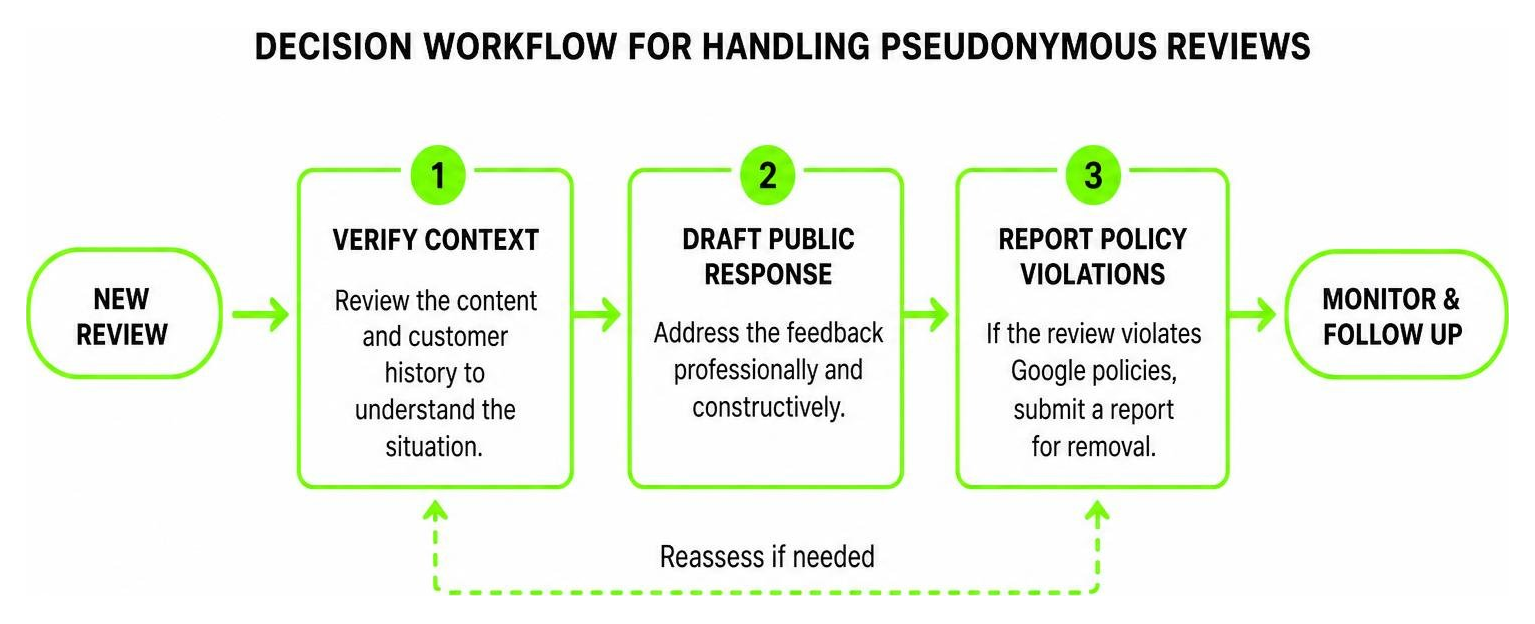
Here is a breakdown of how local businesses should handle public responses versus reporting potential violations to Google:
| Feature / Action | Public Owner Response Strategy | Google Policy Violation Reporting |
|---|---|---|
| Primary Goal | Demonstrate professionalism to prospective customers reading the profile. | Remove fraudulent, fake, or policy-violating content from the profile. |
| Best Used For | Legitimate negative complaints, neutral feedback, or pseudonymous praise. | Defamation, explicit language, hate speech, or clear conflicts of interest. |
| Recommended Action | Acknowledge the experience, stay polite, and invite the reviewer to resolve the issue privately via phone or email. | Select “Report review” via the three-dot menu, document evidence, and submit to Google Support. |
| Avoid Doing | Publicly accusing the reviewer of being fake simply because you do not recognize their display nickname. | Submitting duplicate flags immediately without waiting for Google’s official review process. |
When managing your company’s digital footprint, implementing structured Online Reputation Management ensures that your public profile reflects high service standards. When critical feedback appears, knowing How to Handle Negative Feedback Online helps turn a potentially damaging complaint into a demonstration of excellent customer service.
Risks of Fake Reviews and Google’s Fraud Detection
While custom display handles protect consumer privacy, they can also raise concerns about fake reviews. Google fights this through machine learning detection systems. In 2024 alone, Google blocked or removed over 240 million policy-violating reviews using advanced algorithmic monitoring.
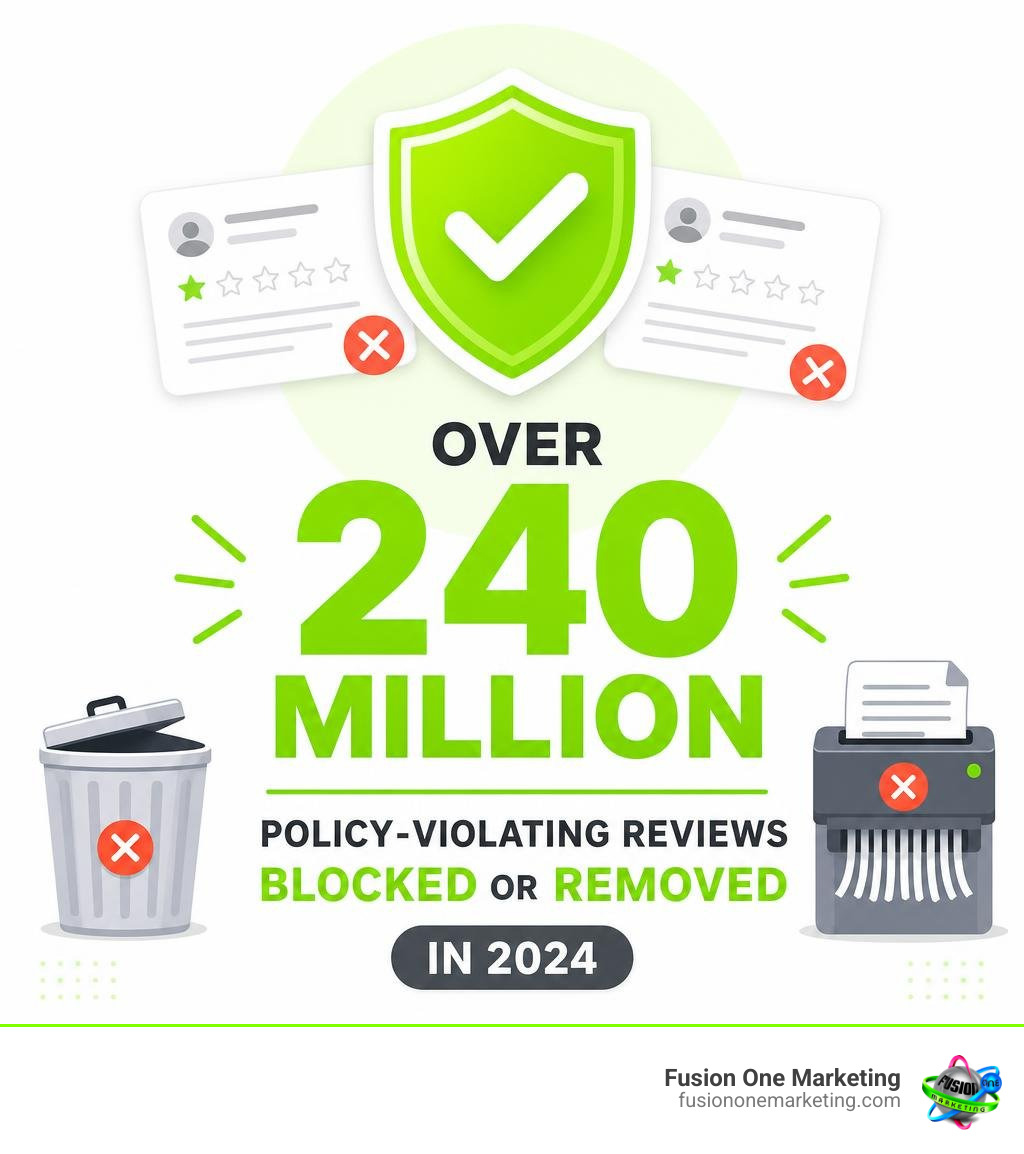
Google’s automated spam engine continuously evaluates background identity signals, including:
- IP Address and Geo-location: Detecting whether the device submitting the review was ever physically near the business location.
- Account History Scrutiny: Flagging new accounts that immediately post harsh 1-star reviews for multiple businesses in the same industry within a short window.
- Text Pattern Matching: Scanning for repetitive copy-pasted language across different business listings.
If a pseudonymous review violates core terms—such as impersonating another person, posting off-topic rants, or exhibiting competitor conflict of interest—Google will remove the content once flagged.
Policy-Compliant Best Practices for Reviewers
Posting under a custom display handle gives you privacy, but you must still abide by Google’s Map User Generated Content Policies.
- Focus strictly on authentic personal experiences: Write about your actual interaction with the business rather than hearsay or third-party stories.
- Keep language respectful and objective: Avoid profanity, personal attacks, or aggressive language that triggers automated content filters.
- Omit personally identifiable information: Protect both yourself and company employees by avoiding full names, direct phone numbers, or residential addresses.
- Never review your own business or a competitor: Posting feedback for your own company or intentionally trying to harm a competitor violates Google’s policies and FTC rules.
- Avoid posting repetitive feedback: Google permits only one review per account per business profile. To provide updated feedback, edit your existing review rather than creating secondary posts.
Best Practices for Writing an Anonymous Google Review Safely
To ensure your review remains published and helpful to other prospective clients, keep these tips in mind:
- State the Facts Clearly: Detail the specific service requested (e.g., “Hired for a tankless water heater repair”) without revealing private details.
- Be Fair and Constructive: Highlight both positive and negative aspects of the service to show balanced, unbiased feedback.
- Double-Check Your Handle: Ensure your public profile handle is active before submitting so your real name is not published by mistake.
Frequently Asked Questions About Anonymous Reviews
Will changing my display name update my past Google reviews?
Yes. Because all your reviews remain linked to your single, unique Google Account ID behind the scenes, updating your display nickname retroactively updates the public author name on all past Google Maps contributions.
Can a business see my real name or email address behind a review?
No. Business owners only see your public profile display name, avatar, star rating, and written review. Google never reveals your underlying Gmail address or legal name to the business owner.
Can you post multiple Google reviews using different pseudonyms?
No. Google restricts accounts to a single review per business listing. Attempting to bypass this rule by creating multiple burner accounts from the same IP address or device violates Google’s anti-spam guidelines and usually results in all associated reviews being removed.
Conclusion
Managing an anonymous google review strategy requires a clear understanding of consumer privacy rights and business reputation protection. While reviewers can use custom display handles to shield their personal identities, Google still holds every reviewer accountable behind the scenes. For business owners, handling pseudonymous feedback professionally, responding constructively, and generating consistent 5-star feedback is essential for maintaining strong local search rankings.
At Fusion One Marketing, we help home service providers and local businesses build digital marketing campaigns that drive measurable growth. From integrated SEO and website development to proactive reputation management, we give you the tools to dominate your local market across Birmingham AL, Huntsville AL, Helena AL, and surrounding regions.
Ready to strengthen your online reputation and attract more high-value clients? Explore our guide on How to Get More Company Reviews and Grow Your Business or reach out to our team at Fusion One Marketing today!